Disable Firefox Right Click Context Menu "Go Back" Button
Disable the "go back", "go forward" button in firefox right click context menu because it annoys me a lot.


Long story short, I make heavily use of the "Right click on a link-> Open in new page" feature. However, sometimes I misclick and the default item under cursor is "Go back". Which annoys me a lot. When I want to go back I often just do Ctrl + [ or use mouse button 4 and 5.
To disable this feature, do:
- Go to
about:config - Search for
toolkit.legacyUserProfileCustomizations.stylesheets - Set to true
If on mac, we should also disable native context menu to make the change effective. In about config, disable widget.macos.native-context-menus
Then,
- Go to
about:support - Find Profile Folder
- Click Open
- Create a folder called
chromeif not exist - In the folder, create a file called
userChrome.css
In the CSS, write:
#context-back,
#context-forward,
#context-stop,
#context-bookmarkpage {
    display: none !important;
}


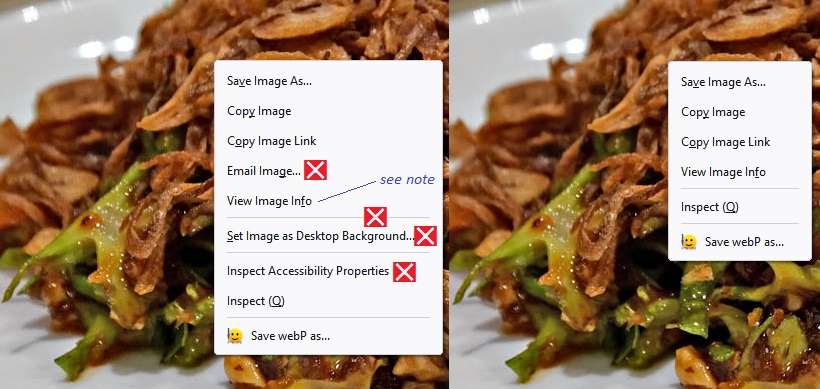
/* Email Image... */
#context-sendimage,
/* Set Image as Desktop Background... (and preceding separator) */
#context-sep-setbackground, #context-setDesktopBackground,
/* Inspect Accessibility Properties */
#context-inspect-a11y
{
  display: none !important;
}
Note that this also disabled other useless features, you can adjust to your taste.
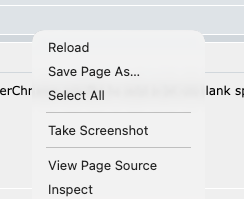
Done! My new right click menu now looks like
Reference
What is userChrome.css? What can it do?