Fix Proxmox Bootloop Triggered by Problematic PCIE Device and Auto Start VM
A bash script that disables qemu guest service after bootloop detected.

I recently purchased an intel SG1 (H3C XG310) GPU and no longer needs my intel DG1 GPU that I use for OpenCL on PVE host. More on that in a later post. So I yanked it out and sold it on Facebook marketplace. I remapped the resource mappings and rebooted my host, and then went to bed.
So far so good, right? Not so much. When I woke up tomorrow, I found my PVE in a broken state. / is read only, and syslog outputs "ext4 journal broken" 10 times every second. Looking into the logs I found my PVE rebooted some several hundred times before this happened. Further investigation found my passed-through Intel B580 somehow crash the the host every time the VM starts. And the VM is set to autostart.
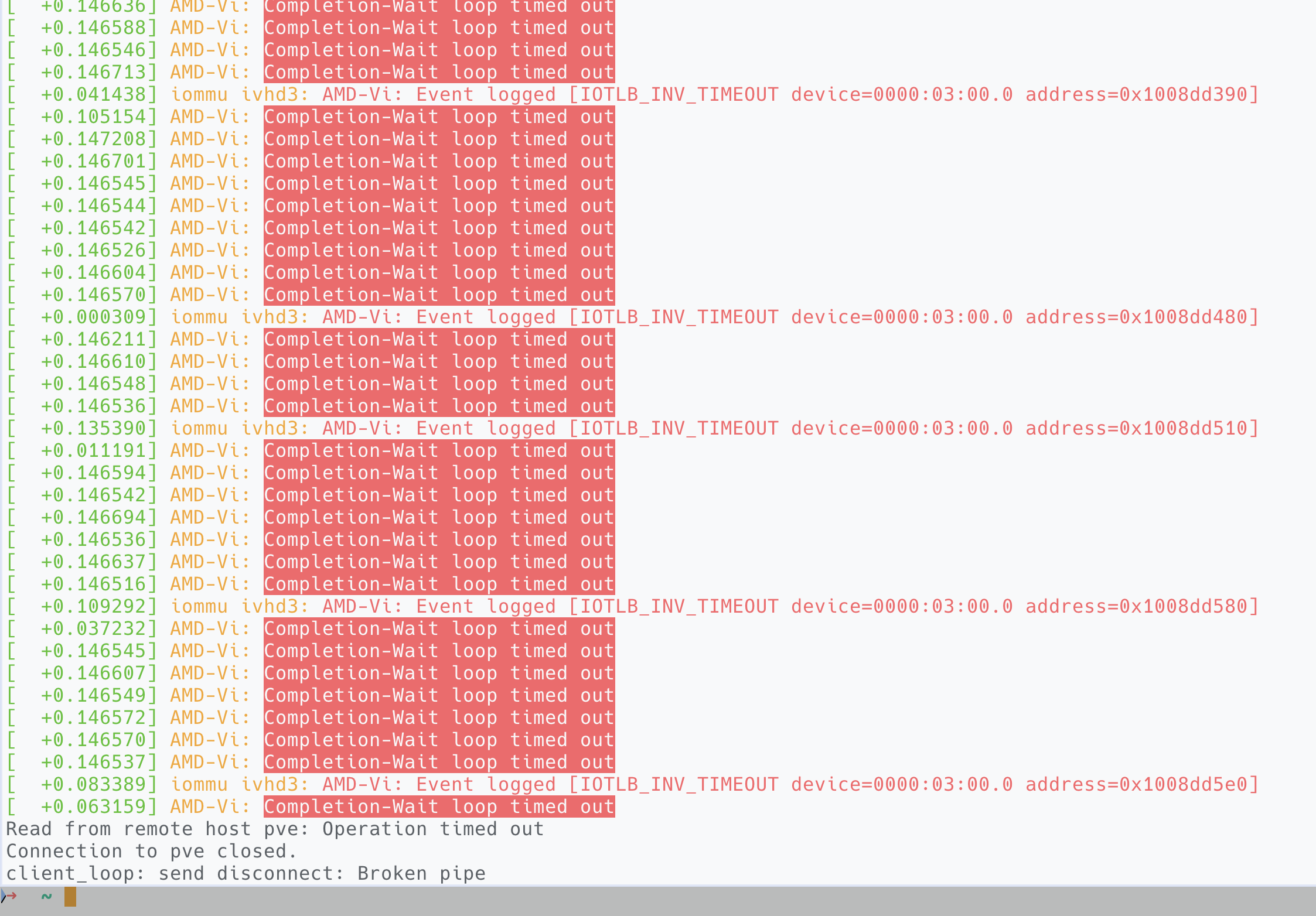
A fix is documented in the next post:
Fix "AMD-Vi: Completion-Wait loop timed out" on EPYC Platform
Well that explains it. I rebooted the host, the ext4 filesystem fixed itself on start. And I was fast enough to systemctl disable pve-guest.service before it crashed again. After that I turned off autostart and fixed the system.
But this time I got lucky, the PVE happened to be smart enough to boot into emergency mode and did not corrupt my filesystem any further. To battle this situation I (rather, GPT) wrote a script to auto disable the qemu-guest service after 3 consecutive boot in a short time.
The Script
The following script:
 262588213843476
- Stores its state in
/var/lib/pve-bootloop-saver/ - In situation of 3 consecutive boots, every boot within
5 minof the last boot, the script willmasktheqemu-guest.servicefrom starting, neither automatically or manually. It will also put a txt file in/rootto notify the user what it did. - When the situation is fixed and we want to the service again, simply execute:
/usr/local/sbin/pve-bootloop-saver.sh --resetAnd it will unmask the service. A restart is probably needed to get the system back on track.
How to Setup
- Put the script above in
/usr/local/sbin/pve-bootloop-saver.sh chmod +x /usr/local/sbin/pve-bootloop-saver.sh- Add this systemd unit so
pve-guest.servicewill not start until our script is done running.
# /etc/systemd/system/pve-bootloop-saver.service

[Unit]
Description=Proxmox bootloop saver (masks pve-guests.service if system reboots too often)
Before=pve-guests.service

[Service]
Type=oneshot
ExecStart=/usr/local/sbin/pve-bootloop-saver.sh

[Install]
WantedBy=multi-user.target
Then execute:
sudo systemctl daemon-reload
sudo systemctl enable pve-bootloop-saver.service
And ... we are done here. Anytime the system enters a bootloop our script will save the system after 3 rounds.
Testing it works
Simplest testing is to deliberately mess up the settings and trigger a bootloop. If we don't wanna do that, test it by first trigger it thrice:
sudo systemd-run --unit=test-bootloop-1 /usr/local/sbin/pve-bootloop-saver.sh
sudo systemd-run --unit=test-bootloop-2 /usr/local/sbin/pve-bootloop-saver.sh
sudo systemd-run --unit=test-bootloop-3 /usr/local/sbin/pve-bootloop-saver.sh
Check if the pve-guest.service is masked
systemctl is-enabled pve-guests.service
# should say "masked"
If it works, reset it to normal and reboot
sudo /usr/local/sbin/pve-bootloop-saver.sh --reset
systemctl is-enabled pve-guests.service   # should be enabled now
